
King Power | Become A Member
Online Account & POWER PASS Membership
POWER PASS is a new membership program that covers participating companies within the King Power Group, including kingpower.com and Firster.
Customers who already have an account with either kingpower.com or Firster can access POWER PASS by registering or signing in using the same email address or phone number previously used for registration.
If identification details have not been previously provided—such as a Thai National ID number (for Thai citizens) or passport number (for foreign nationals)—customers will be required to complete these details for identity verification before accessing the service.
If a customer has separate accounts on both kingpower.com and Firster that use the same email or phone number, POWER PASS will automatically merge them into a single unified account.
How to register for POWER PASS:
1. Click “Account & Security” from the main menu of your online shopping account. (If you don’t have an online shopping account yet, please click “Sign Up” to create one.)
2. After logging in, go to the Traveller menu and select “Account & Security” to access your account page.
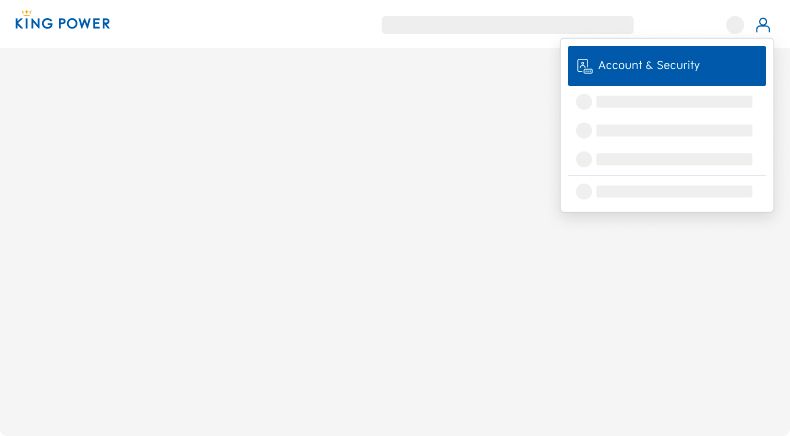
Profile Menu - Account & Security
3. Click the button shown in the image on the “Account & Security” page to register for membership.
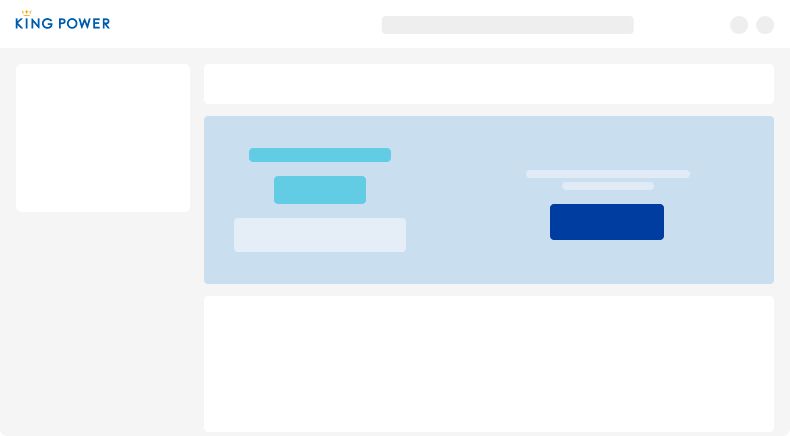
Account & Security Page - Display banner for register POWER PASS membership
4. Click “Continue” and enter your national ID number (or passport number for foreign nationals) and other required information to complete the registration.
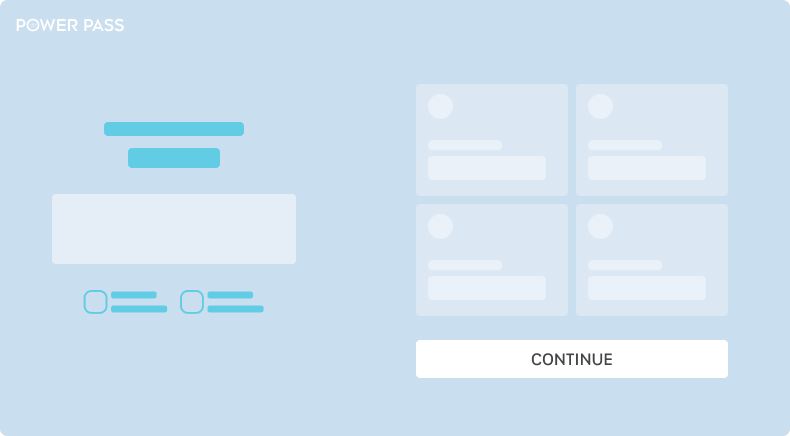
POWER PASS Membership registration
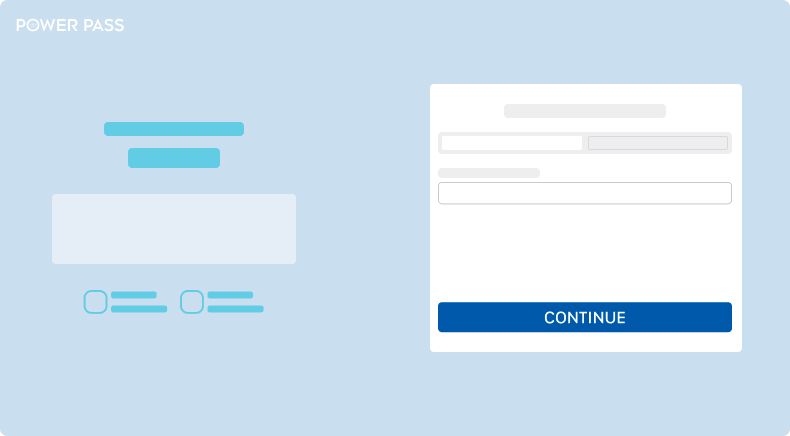
Fill in National ID (or Passport) and required information
5. Once your POWER PASS membership registration is complete, your membership details and privileges will be displayed. You will then be eligible to earn and redeem CARAT points immediately when shopping. (Try adding items to your cart, and you’ll see the CARAT points displayed at the bottom of the cart.)
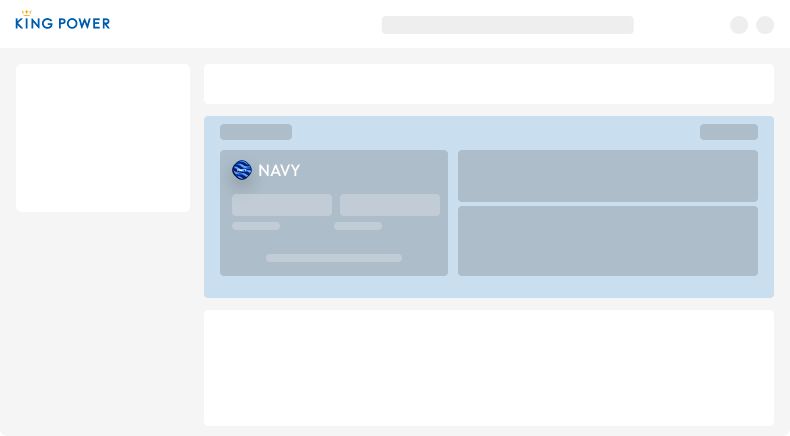
Account & Security Page - Displaying POWER PASS membership information